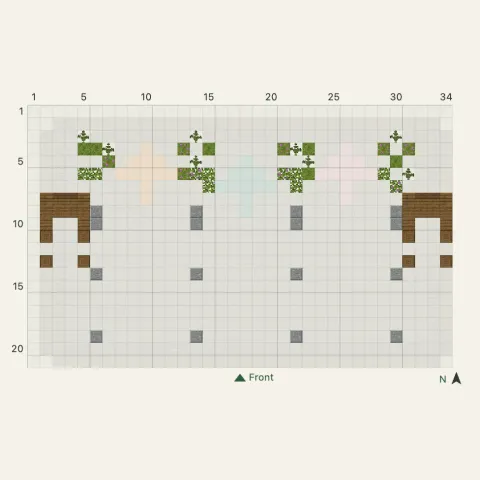
Triwind Windmill
Easy · 21 layers
Every village house blueprint shows the build one layer at a time on a grid, one square per block, with the size and the full block list. The first floor is free to view on every village house, and each one has numbered steps for when you want help placing each block.
2 blueprints
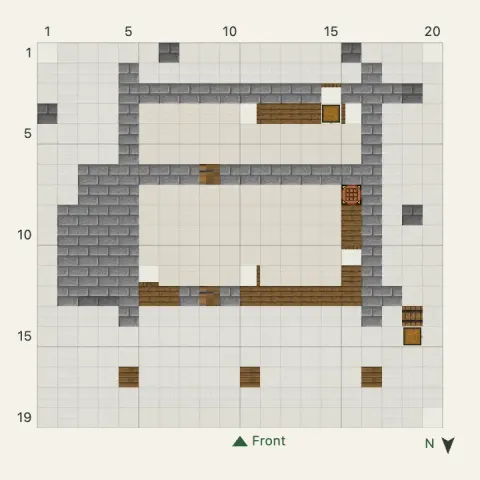
Village houses are compact, so the whole plan is easy to take in. Start at layer 1, the footprint, and check the corners against the grid. Then go up one layer at a time: walls and windows first, and the roof where the stairs and slabs begin.
Check the block list before you start. It gives every block in stacks and chests, so you can gather in one trip. If you’re adding the house to a village you already have, compare the size on the card with the space you’ve left, then open the numbered steps whenever a layer needs a closer look.
Browse house ideas with photos ›